
Integration
Connect Eventworx with SAVIE: jobs, phases, crew and files
See how stage and time range control import, how notes, files, time blocks and staffing positions arrive, and when a booking response can return.
Control visibility by stage and time range
Eventworx represents request, offer, order and later document stages as a connected document flow. SAVIE collapses the chain into one job and uses the current leaf document for title, dates, status and positions.
Setup defines whether jobs become visible from request, offer or order. Cancelled or archived documents do not become active demand. New imports use a relevant twelve-month lookback while existing records remain traceable.
Bring in job context, notes and time blocks
SAVIE imports the recognisable project and job reference, title, venue and dates. Eventworx notes appear as source-owned job context when the field is present in the complete record.
Time blocks from the job become source-owned production phases or milestones. If a partial response omits the field, SAVIE preserves the last valid state rather than treating omission as deletion.
From equipment to the right crew
- 01easyjob → SAVIE
Bring your production with you
Jobs, staffing requirements and the equipment and material list from easyjob.
grandMA3Yamaha CL5Truss - 02SAVIE
Equipment becomes disciplines
grandMA3LightingYamaha CL5AudioTrussRiggingSAVIE can automatically assign equipment to disciplines in many cases and suggest relevant gear skills. Review the mapping and find crew with the right experience.
- 03SAVIE → easyjob
Booking responses back to your ERP
You decide whom to request. Booking responses flow back into your easyjob resource planning.
Review files and staffing positions on the job
Files belonging to an Eventworx job are imported into SAVIE's existing document area. Imported files start as dispatcher-only; sharing category, notes and crew visibility are not invented from Eventworx.
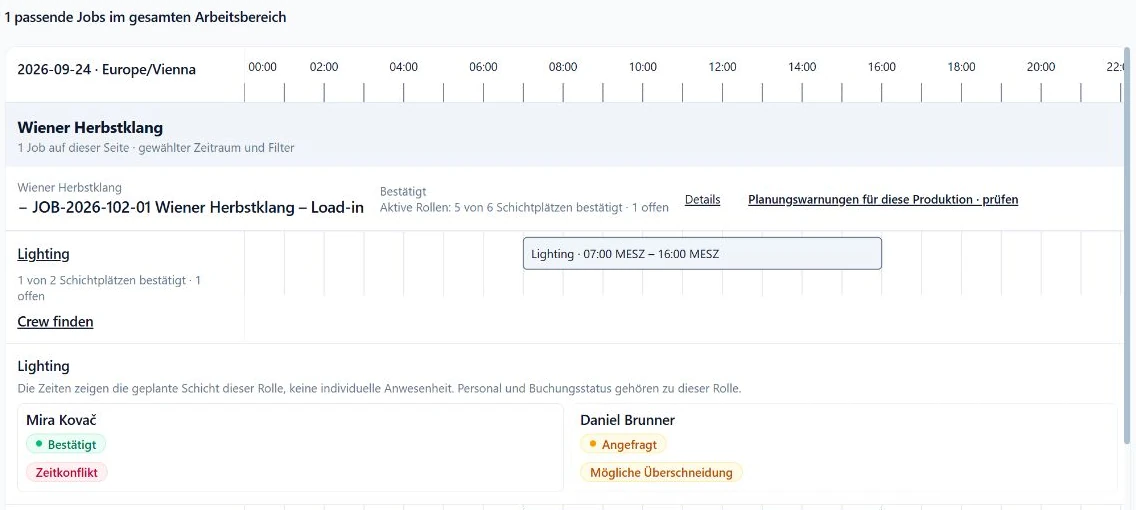
Positions marked as staffed services become roles. Position name, quantity and assignment time come from the source. Role names that are not real staffing demand can be rejected during mapping review.
Make equipment context and schedule changes explainable
Equipment positions in the Eventworx tree are imported as a job snapshot. Confirmed mappings can turn them into specific equipment requirements on relevant roles; new or ambiguous names stay visible for review.
If Eventworx changes an unbooked role's time, SAVIE can update it. With active requests or bookings, SAVIE creates a reviewable change proposal so a source edit does not silently override a commitment.
Import selected people under explicit control
Personnel import is a separate deliberate workflow: search contacts, save selected IDs, review the preview and only then import. Conflicts such as an email already in use or an inactive source row block the batch instead of silently creating a partial set.
Already linked people can be refreshed separately. Newly selected contacts still need the manual import action. Availability and enablement depend on the configured organisation and approved scope.
Return a booking response only with an exact contact mapping
SAVIE can return supported request, confirmation and cancellation states to the matching Eventworx staffing position. The job position and Eventworx contact must map unambiguously to the SAVIE record and correct tenant.
Without a verified contact mapping, SAVIE does not overwrite someone else's assignment or guess a contact by email. Scheduled sync, error history and manual review remain part of operation; the connector is not a universal two-way copy of every field.