
Freelancer coordination
From open role to confirmed booking.
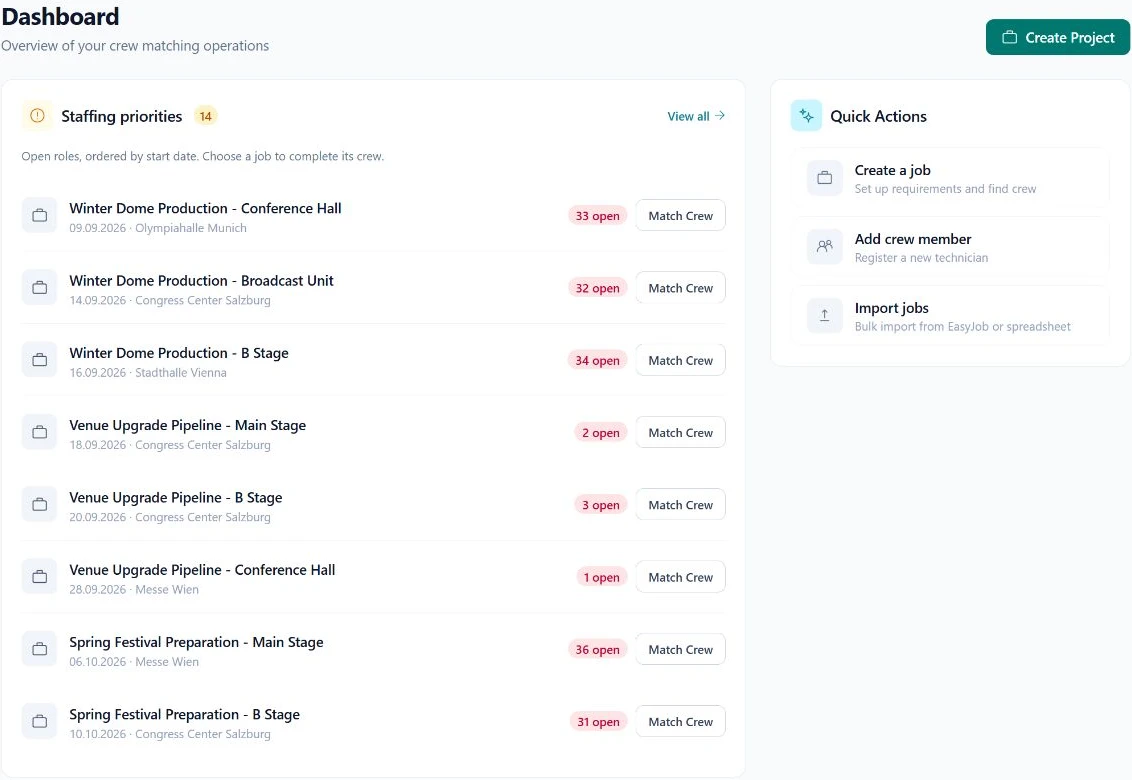
Keep the dates, requirements, request, and response in one workflow. Give the dispatcher a clear next decision.
01
Check the requirement
Start with the shift dates, location, and equipment experience needed. Review recorded availability before reaching out.
02
Send a specific request
Give the crew member the role and agreed context. Follow the response without searching through separate message threads.
03
Confirm the details
Review the response and any rate discussion, then confirm the booking. Keep schedule and booking information aligned.
In practice
Availability is context, not a promise.
- Keep crew profiles and availability current.
- Review the exact shift rather than only the project duration.
- Distinguish a request from a confirmed booking.
- Use the booking record to understand the agreed details.
Questions & answers
Does a matching result book someone automatically?
No. Matching supports the shortlist. A dispatcher decides whom to request, and the booking follows its response process.
Is this a public freelancer marketplace?
This workflow is about coordinating your crew pool. Marketplace availability is a separate product setting.
Your next production
Let's work through a real job.
Bring a typical crew requirement. We will show you how matching and booking fit your workflow.